TV Remote - Universal Control
- 4.2
- Rating
- 10.00M
- Installs
- Free
- Price

 Analysis by App-foxy
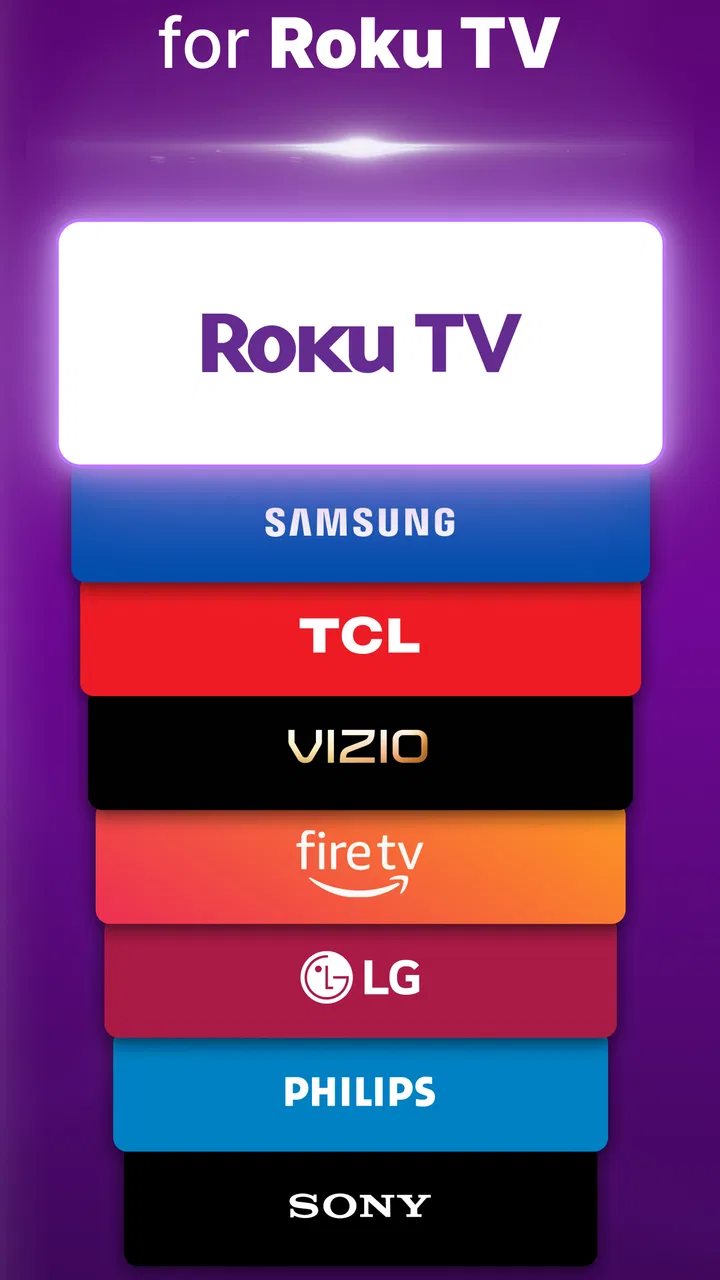
I usually install a universal remote app for one simple reason: the physical remote has disappeared at exactly the moment I want to watch something. TV Remote - Universal Control from EVOLLY.APP is built for that familiar problem, and its appeal is easy to understand. It is a free tools app for controlling compatible televisions and streaming devices from a phone, with support presented for brands such as Samsung, LG, Roku, Fire TV, Vizio, TCL, Sony and others.
My first impression was positive because the idea is immediately practical rather than entertaining for five minutes and then forgotten. A phone is normally close at hand, while a remote may be buried under cushions, left in another room, or missing because someone carried it away. The real question, though, is whether this app remains useful after the initial novelty. In my experience, it can earn a permanent place on a phone, but only if the television setup is compatible and the connection process behaves reliably in the user’s home.
What the first week feels like
The first week is when this app makes its strongest case. I can see the attraction in a shared living room, a guest room, a bedroom television, or a home where several remotes have accumulated. Instead of remembering which controller belongs to which screen, I can reach for one familiar device. That reduction in clutter is more valuable than it sounds, especially when the original remote has small buttons, weak batteries, or a confusing layout.
You May Also Like

 Blood Strike: 2.5 Anniversary
Blood Strike’s Loadouts Turn Every Drop Into a Tactical Gamble
A close look at Blood Strike’s custom loadouts: how fast access to signature weapons reshapes its battle royale rhythm, rewards preparation, and narrows the gap between fights.

 Pandora - Music & Podcasts
Pandora’s Music Is Easy to Start, but Harder to Recover
Pandora’s strength is its low-effort path from a seed to a station. Its weak spot is how much confidence it asks you to place in connection, setup, and quiet recovery.

 8 Ball Pool
 Is Built on Rivalries, Rematches, and Routine
A close look at the rivalries, rematches, shared routines, and unanswered safety questions that turn a quick pool match into a persistent mobile community.

 Samsung Music
’s Quiet Strength Is Playing What You Already Own
Its reach comes less from spectacle than from dependable access to a personal library. That simplicity is both the app’s strongest retention engine and its ceiling.

 AccuWeather: Weather Radar
AccuWeather Review: A Quick, Clear Forecast for Everyday Decisions
For everyday plans, the best forecast is the one you can understand quickly. AccuWeather makes rain timing, radar, and local conditions easy to act on, with a few trade-offs.

 Hill Climb Racing
Why Hill Climb Racing Still Turns Crashes Into One More Run
A tiny car, a bumpy hill and one more upgrade: Hill Climb Racing keeps resurfacing because its simple chaos makes every near-miss feel personal.
More From Our News Desk



The app’s broad device focus is useful for households that do not use one television brand everywhere. A Samsung screen in the living room, a TCL set in a bedroom, and a Roku or Fire TV device connected elsewhere create a small collection of controllers. A universal phone-based approach is appealing because it gives the user one place to begin. It is not just about changing channels; it is about reducing the number of objects involved in ordinary viewing.
One realistic scenario is a late-night streaming session. I pause a film, lower the volume, and realize the remote is on the other side of the room. With this app already configured, the phone becomes the convenient fallback. The same applies when children misplace the controller or when a visitor cannot work out which remote operates the television. The convenience is strongest in these small interruptions, not in dramatic all-day use.
I also like the possibility of using it when the original controller is temporarily unavailable. That can be useful after moving furniture, replacing batteries, or setting up a television in a new room. However, I would not treat it as a guaranteed rescue tool before checking compatibility and connection requirements. Universal remote apps depend on the relationship between the phone, the television, and the home network. If that relationship is not ready, installing the app alone will not magically turn the phone into a controller.
Setup is where the real test begins
The first useful habit is to set up the app while the television’s original remote is still available. That sounds obvious, but it avoids a frustrating situation in which the phone app needs an on-screen confirmation or network adjustment and the physical controller is already missing. I would also identify every television or streaming device before creating a daily routine around the app.
During setup, I would keep the phone and the target device connected to the same home network when the equipment relies on network control. If the television does not appear immediately, I would check the network connection, wake the television fully, and retry before assuming the app is broken. Guest networks and separated Wi-Fi bands can sometimes prevent devices from seeing one another, so the app is not always at fault when discovery fails.
This is one of the less obvious trade-offs. A physical remote usually works as soon as it has power and a clear path to the television. A phone remote may be more flexible, but it introduces another layer: the phone’s connection, the television’s connection, and the app’s ability to locate the correct device. That extra layer is acceptable for a household that values convenience, but it is worth understanding before replacing a dependable controller altogether.
Another practical tip is to give each saved device a clear identity in your own routine, such as living room television or bedroom screen, rather than relying on memory when several devices are nearby. This matters more in a multi-device home than in a single-screen apartment. The universal concept is most useful when it reduces confusion, not when it creates a new list of similarly named devices to sort through.
What makes it useful beyond the novelty
The app has lasting potential because television control is a repeated task. Volume changes, pausing, navigation, input switching, and powering a screen on or off are not one-time actions. If the app performs consistently, those small interactions can make it part of a daily habit. I would be more likely to keep it installed than a novelty app because its purpose returns whenever I watch television.
Its free entry point also makes experimentation easy. I can test whether it fits my equipment without committing to a purchase first. The app is rated for Everyone, runs on Android versions beginning with 6.0, and its current version is 1.5.7. Those details make it approachable for many Android users, including people using an older phone that still handles everyday tasks well.
There is also reassuring evidence that the app has reached a substantial audience: it has passed ten million installs, with an average rating of 4.2 from around ninety-three thousand ratings. I do not read those figures as a promise that every setup will work perfectly, but they do suggest that the concept is not an obscure experiment. The developer, EVOLLY.APP, has built something that many people have considered useful enough to try.
Still, the app’s recurring value depends on reliability more than on the number of supported brands. A long brand list is helpful at the decision stage, but daily satisfaction comes from whether the right device is found quickly, whether controls respond without repeated attempts, and whether I can use the app without thinking about its technical background. A universal remote earns space by becoming boringly dependable.
Month-to-month value and everyday habits
After the first month, the excitement of controlling a television with a phone fades, which is exactly when I judge an app like this more strictly. The useful question becomes: do I reach for it naturally, or do I return to the physical remote whenever possible? For me, the answer depends on the room. In a main living area where the phone is always nearby, it can become a convenient default. In a room where the phone is usually charging elsewhere, the physical remote remains faster.
This is why I would not remove every traditional controller immediately. A phone-based remote is excellent as a backup and can become a primary option in the right room, but it is not automatically better for every person. Someone who watches television with a phone in hand may find the arrangement natural. Someone who prefers a simple dedicated controller may find unlocking a phone and opening an app unnecessarily slow.
There is a useful distinction between control frequency and control importance. For frequent small actions, the app can be handy because the phone is already present. For urgent actions, such as muting a loud program quickly or changing an input while troubleshooting, a physical remote may still feel more direct. I would keep both available until the app has proved itself in the situations that matter most in that household.
For shared homes, expectations also matter. One person may appreciate having the remote on a phone, while another may not want to hand over a phone just to adjust the volume. A universal app does not eliminate the need for household coordination; it changes who has access to the control. If several people need immediate access, a dedicated remote in a known location can remain the less complicated solution.
Where the app beats usual alternatives
The most obvious alternative is the original remote supplied with the television or streaming device. That controller usually wins for speed, tactile buttons, and independence from a phone. The app wins when the original is lost, when several remotes are mixed together, or when I want one familiar interface for equipment from different manufacturers.
A second alternative is a replacement remote bought for one television. That can be a good choice for a person who wants a permanent, simple controller and does not want to involve a smartphone. The app is more attractive when I need flexibility across a mixed setup or want to avoid buying another accessory for a temporary problem.
There are also brand-specific remote apps, which may offer a more focused experience for one manufacturer’s ecosystem. Those can be preferable when a household uses only one brand and wants the deepest possible integration with it. TV Remote - Universal Control makes more sense when variety is the problem. Its strength is breadth and convenience, not necessarily replacing every dedicated solution in every home.
One non-obvious benefit is that a phone screen can be easier to understand than a worn physical controller covered in faded labels. That can help guests or older family members identify basic actions, although the benefit depends on how comfortable they are with smartphones. A phone is not automatically more accessible just because it is modern; some people find physical buttons easier to locate without looking.
What can become tiring over time
The main source of fatigue is the extra step between wanting an action and performing it. I may need to find my phone, wake it, open the app, select the right device, and then press the control. That sequence is still better than searching the entire sofa for a missing remote, but it is not always better than picking up a dedicated controller from the coffee table.
Another possible annoyance is device awareness. In a home with several compatible screens, I need to pay attention to which television is active. Accidentally controlling the wrong room is not a serious failure, but it makes the universal promise feel less effortless. Clear naming and a consistent setup help, yet the user still carries some responsibility for keeping the device list understandable.
Phone interruptions can also affect the experience. A low battery, a busy phone, or simply having the handset in use for another task can make the remote less convenient. This is a trade-off that does not exist with a dedicated controller. I would especially hesitate to rely on the app as the only remote in a household where the phone is frequently shared, unavailable, or kept away from the television area.
The free model lowers the barrier to trying the app, but in-app purchases range from $4.49 to $32.99 per item. That makes it sensible to evaluate the everyday experience before paying for anything. I would want to know that the app handles my particular devices and that its convenience is recurring rather than merely interesting during the first setup. A purchase should support a proven habit, not compensate for an uncertain one.
Maintenance, privacy of attention, and practical reliability
Maintenance here is less about physical upkeep and more about keeping the arrangement usable. I would periodically check that the television and phone remain connected in the expected way, especially after changing routers or reorganizing the home network. If the app stops finding a device after a network change, the first place I would look is the connection path rather than immediately abandoning the app.
I would also avoid building a complicated collection of duplicate entries. A universal remote is easier to live with when it reflects the actual home: the screens that are used, in the rooms where they are located. Removing old or unused entries reduces the chance of selecting the wrong target later. This small bit of housekeeping is easy to overlook and has a direct effect on long-term comfort.
Keeping the app updated can be sensible, particularly when using newer televisions alongside an older Android phone. The listed minimum operating system is Android 6.0, which gives it a broad compatibility range, but the practical experience still depends on the devices involved. I would not assume that an older phone, an older television, and a recently changed network will behave exactly like a modern, freshly configured setup.
Maintenance also includes knowing when not to use the app. If the original remote works perfectly and is always stored in the same place, installing a phone remote may add little. If a television is used by someone who dislikes touchscreen controls, the app may create more support work than convenience. If the home network is unreliable, a physical controller is likely to be the calmer option for essential day-to-day use.
Who should make it a regular tool
I think this app is a strong fit for people who regularly misplace remotes, households with several brands, renters setting up temporary rooms, and anyone who already keeps a phone beside the television. It is also useful as a contingency tool: even if it does not become the primary controller, having it ready can save time when the physical remote disappears or stops working.
It is less suitable for someone who wants a completely offline-feeling appliance with instant button access. It may also disappoint users who expect every television to connect without any setup or who want advanced control that is tightly tailored to one manufacturer. In those cases, the original controller or a dedicated brand-specific solution may be better.
For families, I would test it with the least technical household member before deciding whether it can replace the physical remote. If that person can identify the correct room and perform the common actions comfortably, the app has a realistic chance of becoming a shared tool. If not, I would keep it as a backup rather than forcing everyone to change habits for the sake of having one universal interface.
My long-term verdict
After the novelty fades, TV Remote - Universal Control remains useful for a specific reason: it solves a recurring household inconvenience with a device most people already carry. Its value is not in showing that a phone can operate a television; that is the novelty. Its value is in reducing remote clutter, providing a fallback, and bringing mixed-brand equipment under one familiar starting point.
I would recommend trying it free before making it part of a permanent setup. Begin with the television you use most, configure it while the original remote is available, and test the app during ordinary viewing rather than only during a one-minute demonstration. Then try the room where a remote is most often lost. That comparison will reveal whether the phone is genuinely faster for you or merely more interesting.
The app earns lasting space when it becomes an invisible habit: open it, choose the right screen, make the adjustment, and continue watching. It loses that argument when connection problems, device confusion, or the need to repeatedly reach for the phone outweigh the convenience. In my view, it is best treated as a flexible universal controller and a dependable backup, while a physical remote remains sensible for users who value instant tactile access.
With an Everyone rating, support for Android 6.0 and later, a free starting point, and a wide range of television and streaming-device targets, it is easy to test without much commitment. The 4.2 average from roughly ninety-three thousand ratings supports the idea that many users find the approach worthwhile, but the final decision is personal and setup-dependent. My recommendation is simple: install it if lost remotes and mixed devices are recurring problems, but keep the dedicated controller if it is already the fastest tool in your home.
FAQs for TV Remote - Universal Control
01How does TV Remote - Universal Control work with different TV brands?
TV Remote - Universal Control is designed to be compatible with a wide range of TV brands and models. It uses your device's infrared (IR) blaster if available or connects via Wi-Fi to smart TVs. Users need to ensure their TV and device are on the same network for optimal performance. Compatibility lists are often available within the app to verify supported models.
02Is TV Remote - Universal Control free to use?
TV Remote - Universal Control is free to download and use, with basic functionalities available at no cost. However, it may offer in-app purchases or a premium version that unlocks additional features such as ad removal, customizable remote layouts, and advanced control options for tech-savvy users.
03Can I use this app to control other devices besides TVs?
Yes, TV Remote - Universal Control often supports a variety of home entertainment devices, including set-top boxes, streaming devices, and sound systems. The app’s extensive device library allows users to add and control multiple devices from a single interface, making it a versatile tool for home automation.
04What should I do if the app doesn’t work with my TV?
If TV Remote - Universal Control isn’t working with your TV, first ensure that your device and TV are on the same network. Check the app’s compatibility list and try updating the app or your device’s software. If issues persist, contact customer support or consult user forums for troubleshooting tips.
05Does TV Remote - Universal Control require an internet connection to function?
An internet connection is necessary for initial setup and updates. For controlling smart TVs and devices over Wi-Fi, an active Wi-Fi connection is required. However, if your device has an IR blaster, you can control compatible TVs without an internet connection, similar to a traditional remote.
Pros
- Intuitive interface that's easy to navigate.
- Supports a wide range of TV brands.
- Quick setup with minimal configuration needed.
- Responsive controls with low latency.
- Free version offers substantial features.
Cons
- Contains ads that can interrupt usage.
- Limited advanced features in free version.
- Requires stable internet connection.
- May not support older TV models.
- Occasional syncing issues with devices.

TV Remote - Universal Control
Gallery